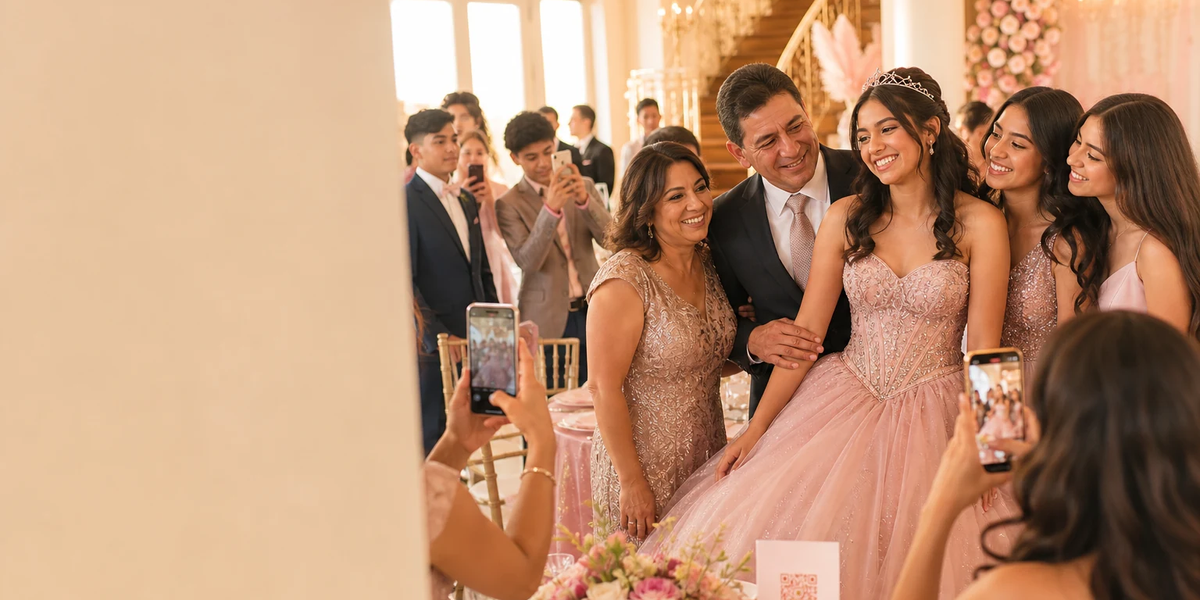
A quinceañera brings together family and friends with different views of the celebration. This guide is for adult organisers preparing a shared photo collection. It keeps the wishes of the person being celebrated central and does not assume the gallery should be public.
Begin with the wishes of the person being celebrated
Discuss which pictures would be welcome and which moments should stay private. Someone can enjoy the party without wanting every photograph online. Take a later change of mind seriously too.
Write down three things: Who should receive the guest link? Who will help with questions or unwanted pictures? Which images should never be posted publicly? This conversation is not legal advice, but it helps the family avoid conflicting expectations about the collection.
Assign three small responsibilities
- Gallery organiser: An adult keeps the host credentials, checks the package and arranges the backup.
- Help on the day: A second person can explain the guest workflow and check that QR cards are visible.
- Photo selection: The person being celebrated chooses, together with the responsible adults, which selection they want to share afterwards.
Do not put the host password in a family group chat. Use guest access for contributions. Keep one collection so relatives and friends do not accidentally split their pictures between several galleries.
Fit the photo plan around your celebration
Place invitations to contribute where guests have time, such as after arrival or at their tables. If your celebration includes a waltz, a special presentation or a performance, agree beforehand whether and from where guests may photograph it. Not every quinceañera follows the same programme.
No photo prompt should require people to block a route or interfere with a professional photographer. For multilingual families, two short lines of explanation on one card can help. Describe the same guest workflow in both languages rather than setting up a separate collection for each language.
Wording for a card or family message
Our celebration, through your eyes
If you would like to, share a few favourite photos through the gallery QR code. Please ask recognisable people first and contribute only pictures they are happy to include. Keep the link within our invited group. Thank you for celebrating with us!
For Foreverpix, you can add that guests contribute in their browser without an app download. With poor reception, they can use the same link later. Do not promise that taking a picture automatically uploads it.
Separate the guest collection from public posts
A collection for invited guests and an Instagram post are different uses. Agree the public selection separately, especially for pictures of minors. Discuss their images with the responsible adults and respect the young people's own wishes too.
Afterwards, send at most one friendly reminder for further optional contributions. Save the files you want, check your copies and note the gallery's availability period. Media allowances, videos and availability depend on the current package terms. The quinceañera page explains the starting point; a QR photo gallery is not automatically the same offer as a separate event-QR product.
Plan your next step and see the guest experience
- Wedding QR table cards: wording, design and a print check
- After the wedding: collect, save and thoughtfully share guest photos
View the live demo · Start your own gallery for free.
Foreverpix editorial team. Editorial review: 16 September 2026. We provide a QR photo gallery; worked examples are planning aids, not measured results.