Invitations, seating and gallery work together.
Guests scan their QR, find information and share photos in the same event hub.
The candles, the group photos, the dance floor: collect your guests’ favourite moments without chasing separate chats. Guests scan your QR code and upload in their browser – no app or guest account.
Try without a credit card · No subscription · Upgrade only when you need to
For birthdays and family parties
From a 21st to a 50th birthday or a garden party, every guest sees something different. Give them one place to share the candle moment, family group shots and dance-floor photos.
Create and save your gallery. Put its guest QR code on a table card or welcome sign, with the readable guest link beneath it.
Show guests where to share. Ask for a few specific moments: blowing out the candles, a group photo or their favourite candid shot.
Say thank you and share the link once more in your existing guest group. Back up the photos you want to keep; upload limits and storage periods depend on your plan.
The party, through your eyes
Caught a laugh, a group photo or the birthday cake? Share your favourite photos with us. Scan the QR code, open our gallery in your browser and choose your photos. Thanks for celebrating with us!
Or visit: [your gallery’s guest link]
Replace the placeholder before printing. Keep the gallery link within your guest group and share only photos the people pictured are comfortable sharing.
Yes. Guests open the gallery in their browser without installing an app or creating a guest account. Uploading requires an internet connection.
Use your own gallery’s guest QR code, not a demo code. Keep the code clear, with a blank margin and good contrast. Open the final printed card with a phone camera before the party, and add a readable link as an alternative.
Create printable QR table cards · Compare plans and upload limits

ForeverPix collects all event photos in a private gallery instead of scattered messenger groups.
Prepare date, location, modules and gallery.
Guests open the web view or app directly by QR code.
Photos, responses, seats and updates stay together.
Designed for unforgettable events — simple for hosts and seamless for guests.
Guests add memories directly to your event gallery.
Personal links, answers and party size in one view.
Plan tables and show guests where to sit.
Send host updates to all guests.
Printable templates for tables, invites and decor.
More storage, videos, longer availability and better print tools.
As the host, you stay in control right in your browser. The app is optional.
Guests scan their QR, find information and share photos in the same event hub.
One QR at the bar, table or invite is enough for guests to upload directly.
Schedule, updates, gallery and QR access fit workshops and company events.
Photos, videos, comments and memories.
Personal guest links, responses, party size and notes.
Tables, groups and guest-facing seat lookup.
Host updates before and during the event.
Timeline, locations and important moments.
Table tents, invite cards and A4 sheets.
Gamified challenges and leaderboard for active guests.
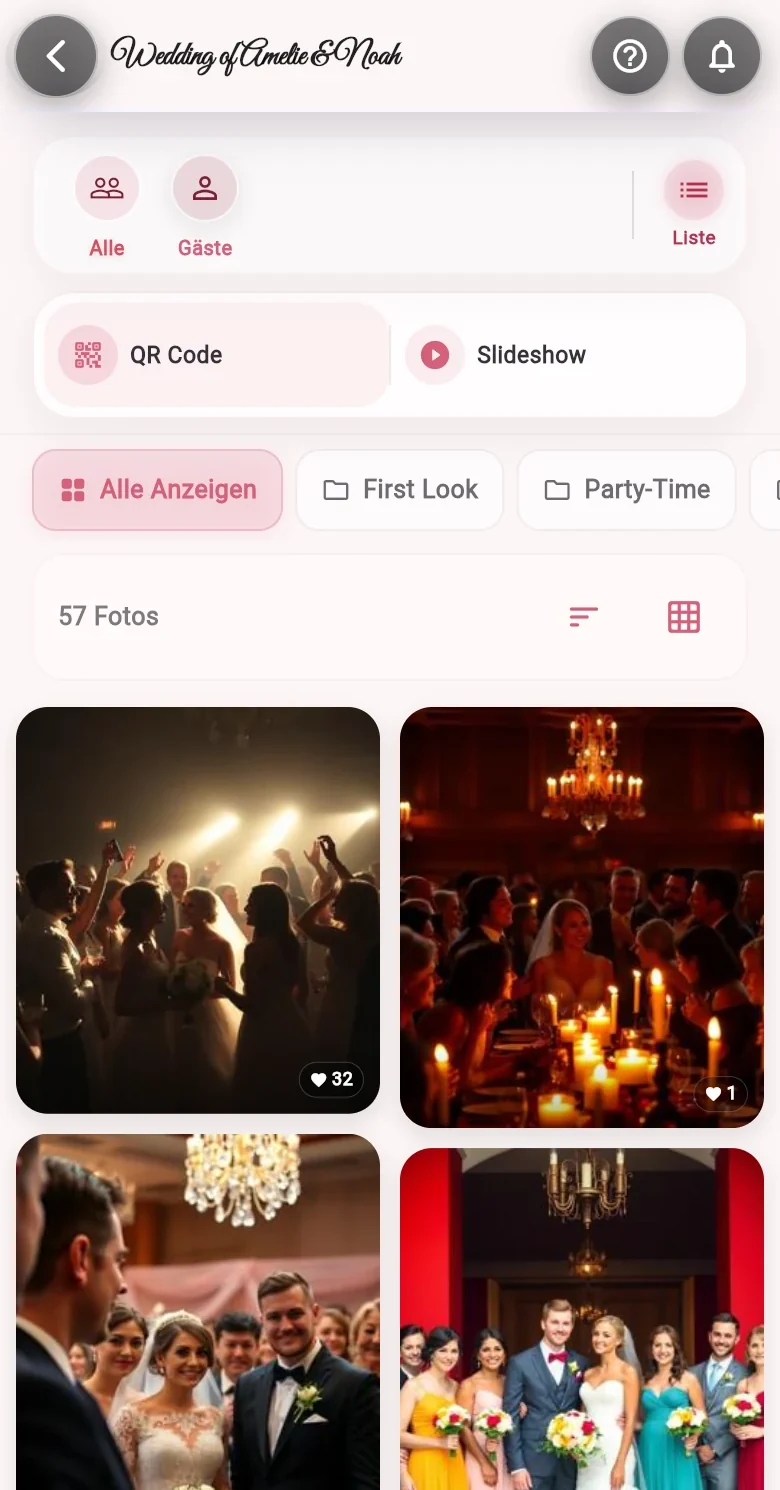
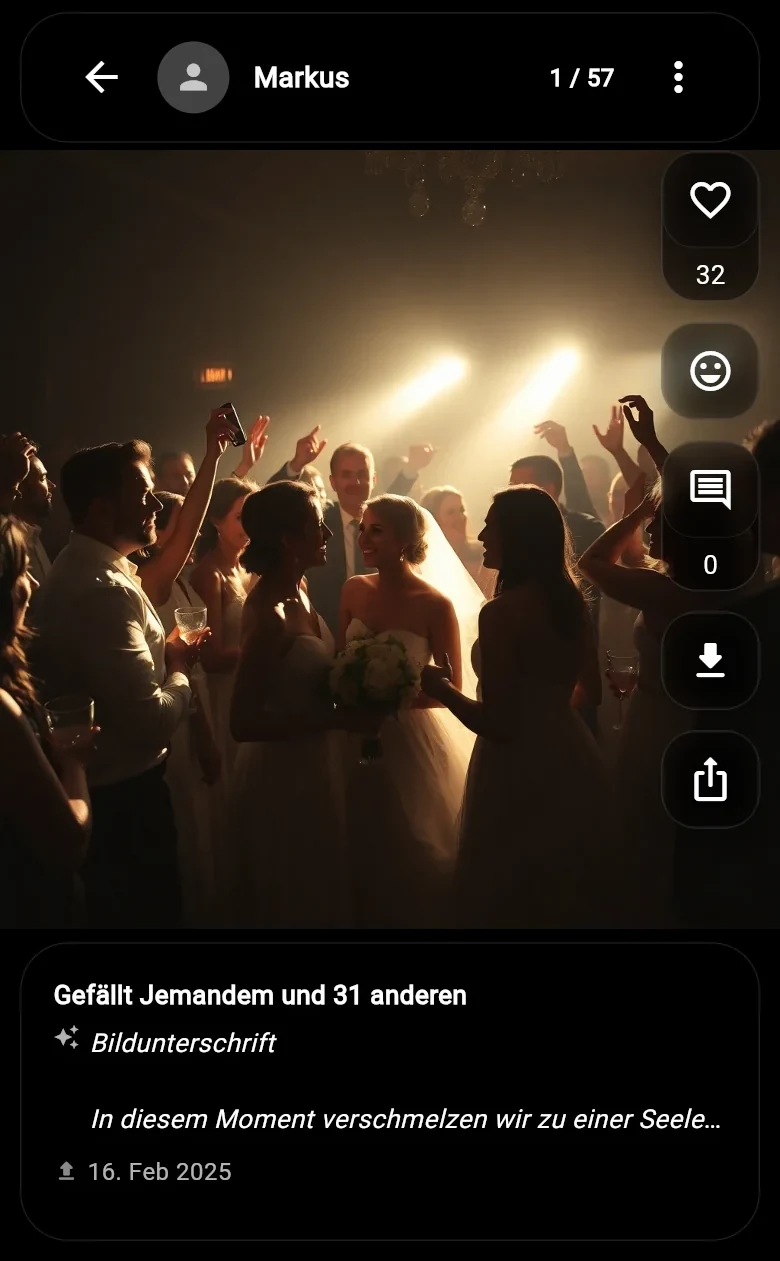
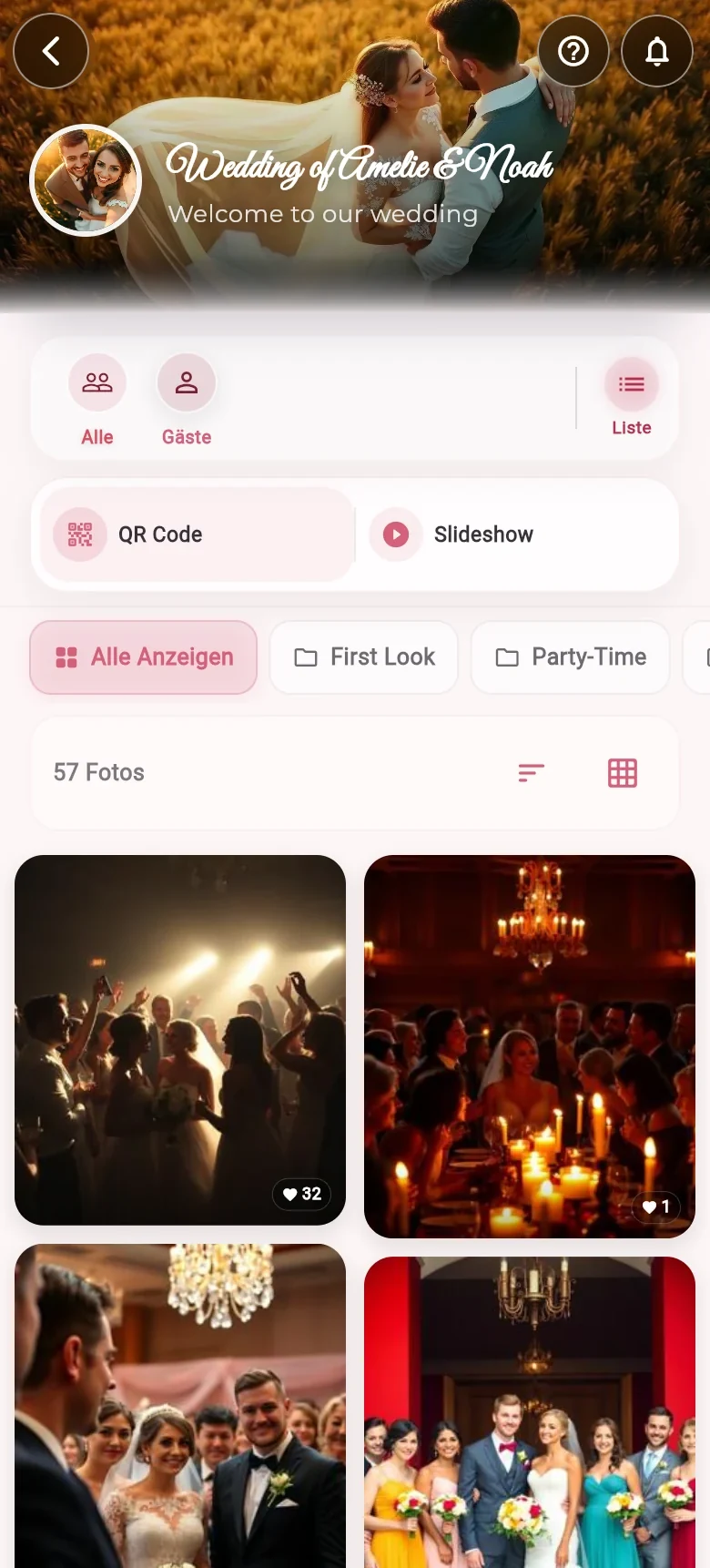
Explore a real wedding gallery and see how your guests experience the photos on their phones.
Choose from several templates to match your event.
Refined card for gallery and seat lookup.
Minimal table tent for every event.
More color for birthdays and parties.
Calm, clear and suitable for teams.
Soft look for outdoor events.
Strong table tent for evening events.
Show the event link as a QR code on invitations, table displays or a screen. Guests open it directly in their browser.
Photos and, depending on your plan, videos are collected in one place for your event, so you stay on top of every contribution.
The gallery brings all your memories together in one place. As hosts, you manage access and any additional event modules.
Start in the browser or use the app for planning, QR codes, guests and gallery.
Create birthday eventTry without a credit card · No subscription · Start free